How Device-Financing Locks Actually Work
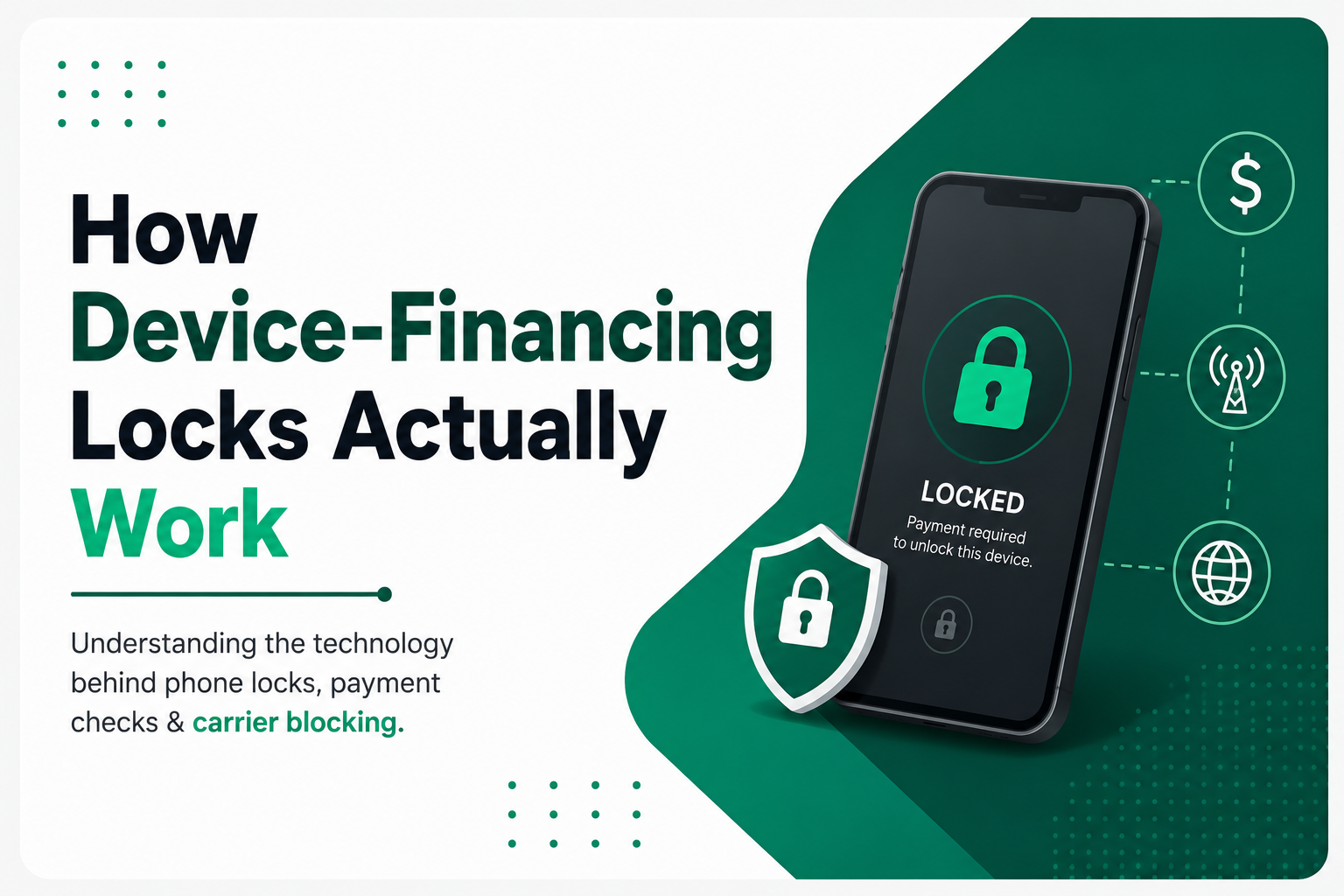
If you’ve ever financed a phone through a carrier or a retailer like Payjoy or FoneYam, you’ve probably encountered — or heard warnings about — a “financed device lock.” These are software mechanisms that can restrict or disable a phone if payments aren’t made. Before signing a financing agreement, it’s worth understanding what’s actually happening under the hood.
The core idea: the phone becomes a managed device
Traditionally, “device management” software was built for businesses — IT departments needed a way to configure, monitor, and restrict company-owned phones and laptops. Financing companies borrowed this same infrastructure for a different purpose: enforcing payment.
Two technical approaches show up most often.
1. Device Admin / MDM-style enrollment
On Android, financing lock apps typically use Device Administration APIs or, more commonly today, Android Enterprise’s “Device Owner” mode, which is provisioned during initial device setup — often via a special provisioning QR code or NFC tap at the point of sale. Because it’s set as Device Owner before the customer’s first login, the app gets deep, hard-to-remove privileges: it can lock the screen, restrict which apps can be opened, prevent factory resets from clearing it, and survive normal uninstall attempts.
On iPhones, this is harder to replicate because Apple doesn’t allow third parties the same level of low-level control. Financing companies working with iPhones generally rely on carrier-level blocking (see below) rather than an on-device app, since iOS doesn’t offer an equivalent “device owner” hook to outside vendors.
2. A persistent background client that phones home
Whether or not full MDM enrollment is used, most financing-lock systems also install a lightweight client that:
- Registers the device’s identifiers (IMEI, serial number) with a remote server at setup
- Checks in periodically over the data or Wi-Fi connection to confirm payment status
- Receives a signed command from the server that says “locked,” “warning,” or “unlocked”
- Enforces that state locally — for example, restricting the device to only dialing customer service and emergency numbers, or preventing use entirely until the lock is cleared
This is architecturally similar to how a company’s MDM tells an employee’s laptop to wipe itself if it’s reported stolen — except here, the trigger is a missed invoice rather than a security incident.
What triggers the lock
The financing company doesn’t watch your phone directly — it watches its own payment ledger. The typical sequence is:
- Payment is due; the billing system logs whether it was received.
- If a payment is missed, the system may first send a warning state — a persistent notification or lock-screen message rather than a full lockout, giving the customer a grace period.
- If payment remains unresolved past that window, the server pushes a lock command the next time the device checks in.
- Because the device needs connectivity to receive that command, some lock systems also include a fallback: if the device hasn’t checked in for an unusually long time (suggesting it’s been put in airplane mode or had its SIM removed to dodge the lock), it may lock itself proactively as a safeguard.
Carrier and IMEI-level blocking
Separately from on-device software, financing companies (and carriers themselves) can work through the GSMA’s global IMEI blacklist system. Every phone has a unique IMEI, and carriers can report a device’s IMEI as blocked for non-payment or as reported stolen. Once blocked, most carriers worldwide will refuse to activate a SIM in that device, regardless of whether the on-device lock software is still functioning. This is a network-side control, not something running on the phone at all, which is why it’s much harder to work around — the restriction lives with the carrier’s infrastructure, not the handset.
Why this is hard to remove without paying
The combination of these layers is deliberate:
- On-device enforcement (Device Owner / MDM) is designed to resist factory resets and uninstallation, because it’s installed with system-level privileges before the customer ever sets a password.
- Network-level enforcement (IMEI blacklisting) doesn’t care what’s on the phone at all — even a fully wiped device with the lock app removed can still be refused service.
- Server-side authority means the lock/unlock decision isn’t stored locally in a way the phone can just decide to ignore — it’s a live status pulled from the lender’s system, similar to how a “Find My” style anti-theft feature works.
What this means if you’re considering financing a phone
- Read the financing agreement for language about “remote lock,” “device management,” or “collateral protection” — this tells you what kind of enforcement you’re agreeing to.
- Understand the grace-period policy: how many days late before the warning state kicks in, and how many before a full lock.
- Ask whether the restriction is on-device only, carrier-level (IMEI), or both — this affects what happens if you try to use the phone on a different carrier or in another country.
- Know that even paying off the device doesn’t always mean the lock clears instantly — it depends on when the server updates and the device next checks in.
Understanding the mechanism doesn’t change the terms of the loan, but it does mean fewer surprises if a payment slips.